
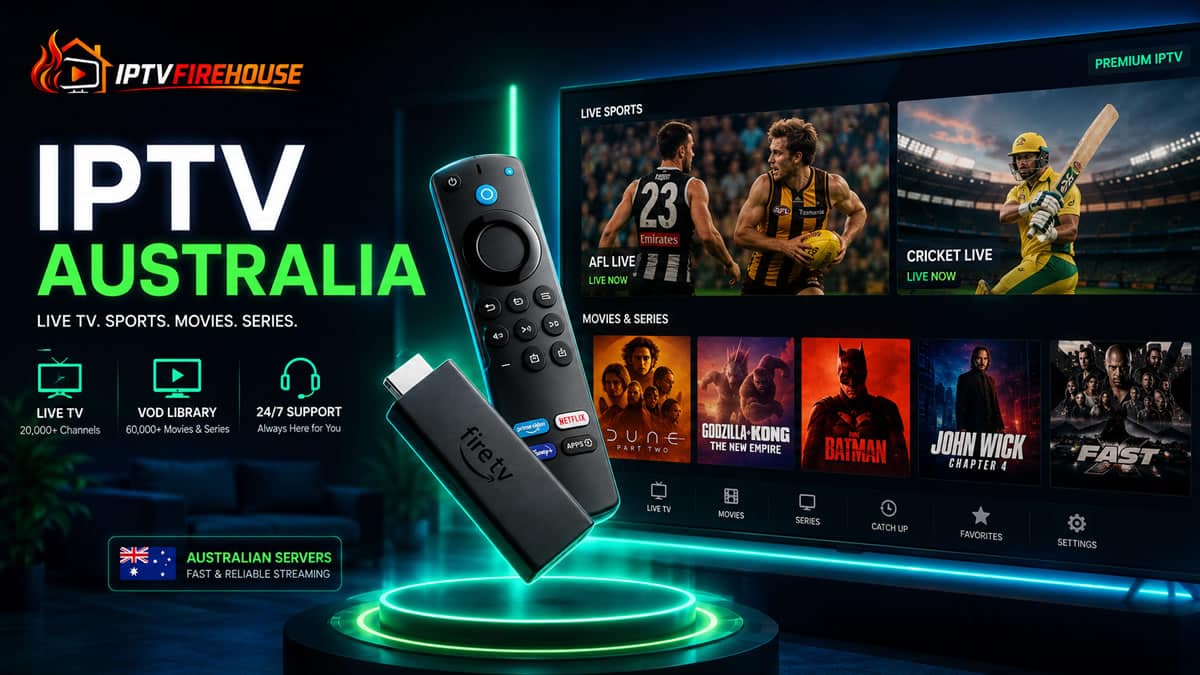
The movement away from traditional cable and costly, fragmented streaming subscriptions is accelerating across Australia. Aussie households looking for a unified, affordable way to access live IPTV Australian networks, international news, global cinema, and live local/international sports are turning to high-performance IPTV services.
This guide explores how IPTV works in Australia, key technical features to ensure buffer-free playback on NBN connections, exact pricing tiers, and step-by-step setup instructions for popular hardware like the Amazon Firestick.
How IPTV Works for Australian Viewers
Internet Protocol Television (IPTV) routes live broadcasts, PPV events, and Video-on-Demand (VOD) libraries over standard broadband networks via Internet Protocol (IP), eliminating the need for traditional satellite dishes or coaxial cabling.
When you request a stream on an IPTV player app, your device sends dynamic API requests (via Xtream Codes API or M3U playlist URL) to high-speed Content Delivery Network (CDN) edge servers. The server streams compressed media packets directly into your device’s memory buffer, ensuring smooth playback on NBN or 5G home internet connections.
2026 Traditional Australian TV vs. IPTV Comparison
Replacing individual app subscriptions and traditional TV setups with a central IPTV service significantly expands content access while lowering total entertainment costs.
| Feature / Criteria | Traditional Aussie TV / Subscription Bundles | IPTV Service (IPTVFirehouse) |
| Average Monthly Cost | $80 – $140 AUD / month | Starting at ~$14.99 USD / month (or $59.99/yr) |
| Hardware Requirements | Proprietary boxes / multi-app smart TVs | Firestick, Smart TV, Android Box, Mobile |
| Channel Selection | Limited local free-to-air + specific pay TV packages | 24,000+ Global & Local Live Channels |
| VOD Library | Fractured across 5+ independent apps | 80,000+ Movies & Series Included |
| Streaming Quality | Varies by provider (720p to 4K) | HD / FHD / 4K Quality |
| Setup Time | Days for delivery or self-installation | Setup within 5 Minutes |
| Contract Terms | 12-month lock-in plans or auto-renewing apps | No Contracts / Flexible Plans |
For additional details on optimized device setups, check out our global overview on Cheap IPTV USA & Global Services.
IPTV Subscription Plans & Pricing
| Plan | Price | Effective Cost |
| 1 Month | $14.99 | $14.99 / mo |
| 3 Months | $29.99 | $10.00 / mo |
| 6 Months | $39.99 | $6.66 / mo |
| 12 Months | $59.99 | $5.00 / mo |
All Plans Include:
- 1 Active Connection with Instant Setup (< 5 Mins)
- 24,000+ Live Channels & 80,000+ VOD Movies & Series
- HD / FHD / 4K Streaming Quality with Anti-Freeze Tech
- 99.9% Uptime Guarantee & 24/7 Dedicated Support
Essential Features for Streaming in Australia
Selecting an IPTV service tailored for Australian conditions requires evaluating backend infrastructure and network compatibility:
- Anti-Freeze Server Routing: High-traffic live sports events (AFL, NRL, Cricket, Formula 1, UFC) demand server clusters with anti-freeze routing to mitigate packet loss during peak evening hours.
- Xtream Codes API & EPG: Loading dynamic data via the Xtream Codes API allows rapid category filtering and syncs with an XMLTV Electronic Program Guide (EPG) for seamless channel switching.
- Multi-Format VOD: Extensive VOD catalogs with multi-language subtitle options and HD/4K encoding fit diverse household preferences.
NBN & Internet Speed Requirements
To prevent buffering on Australian NBN networks or 5G home broadband, aim for the following speed benchmarks:
- Standard Definition (SD): 5 Mbps minimum
- High Definition (HD 1080p): 15 Mbps to 20 Mbps minimum
- Ultra HD / 4K Quality: 25 Mbps to 50 Mbps dedicated bandwidth
Performance Tip: Changing your router or device DNS settings to public servers like Cloudflare (
1.1.1.1) or Google (8.8.8.8) bypasses default ISP DNS hops, reducing initial buffer latency.
Step-by-Step Setup Guide for Firestick & Android Devices
Follow this standard installation procedure using the Downloader Utility to activate your IPTV subscription on Firestick or Android TV hardware. For complete configuration instructions, refer to the detailed IPTV Firestick Setup Guide.
Step 1: Enable Developer Options
- Go to Settings > My Fire TV > About on your device dashboard.
- Highlight your Device Name and click the center Select button 7 times to unlock Developer Options.
- Return to My Fire TV, open Developer Options, and switch Install Unknown Apps to ON.
Step 2: Download the Downloader App
- Navigate to the Find / Search icon from the Firestick home screen.
- Search for
Downloaderand select the orange application icon. - Click Download or Get, then launch the application.
Step 3: Install an IPTV Player
- In the Downloader URL bar, type the official code or download link for an IPTV app (e.g., TiviMate or IPTV Smarters Pro).
- Click Go, download the APK file, and click Install.
- Delete the installer file after setup to save storage.
Step 4: Login with Xtream Codes Credentials
- Open your player app and select Add User / Login with Xtream Codes API.
- Input the Username, Password, and Server URL provided in your service email.
- Allow the app to load live channels, VOD libraries, and EPG guides.
Popular IPTV Players for Australian Viewers
- TiviMate IPTV Player: Recommended for TV interfaces. Delivers a traditional EPG grid layout, customizable categories, and multi-screen support.
- IPTV Smarters Pro: Highly versatile across platforms (Android, iOS, Windows, Smart TVs) with multi-user profile options.
- XCIPTV Player: A lightweight option optimized for hardware decoding on entry-level streaming sticks.
FAQs
What is the average price for an IPTV plan in Australia?
Most quality plans range from $5.00 to $14.99 USD per month depending on the contract length chosen.
Do I need a VPN to stream IPTV in Australia?
While optional, using a Virtual Private Network (VPN) helps prevent local ISP bandwidth throttling during high-demand live sporting events and ensures data privacy.
Can I use my subscription on multiple devices?
You can install your login details on multiple devices (phones, TVs, tablets), but standard base plans allow 1 active connection at a time.
Switching to an optimized IPTV service allows Australian viewers to enjoy comprehensive live sports, global channels, and thousands of VOD titles without high monthly bills. Pair an active plan from IPTVFirehouse with an optimized player application to unlock stable 4K content across your home.
[…] broader planning, our IPTV Australia guide discusses local viewing and setup considerations. Confirm each competition separately and include […]