Easy setup in minutes
IPTV Setup Guide On Any Device
Follow our simple step-by-step guide to set up IPTV on any device and start streaming instantly. No technical skills needed!
15,000+ Live Channels
99.9% Up Time
24/7 support
Choose Your Device
Smart TV
Samsung, LG & more
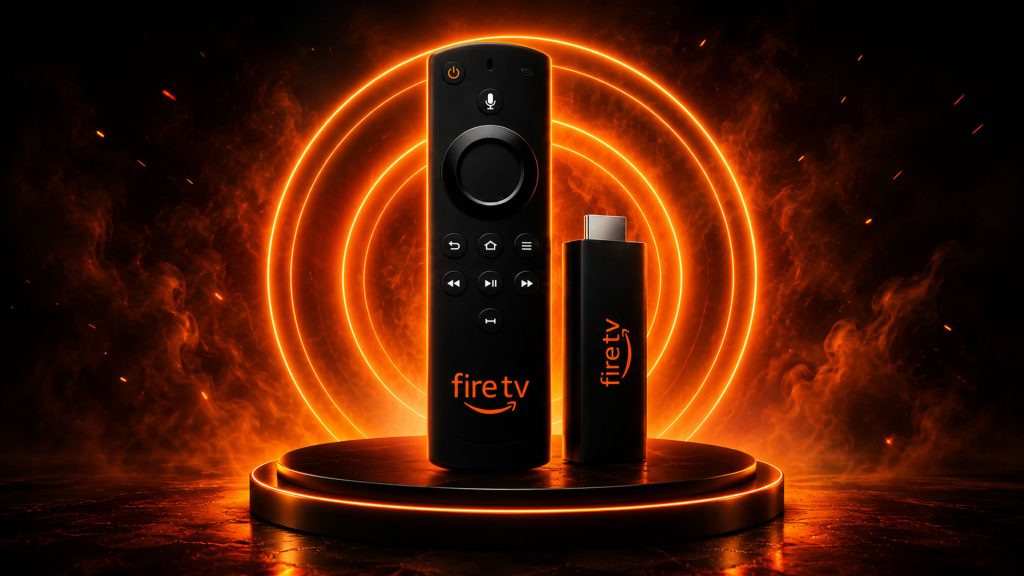
Firestick / Fire TV
Amazon Firestick Setup
android / Iphone
Mobile Setup Guide
Pc / mac
Windows & Mac Setup
Firestick Setup Guide
1
Go to Settings
From the Firestick home screen, go to Settings.
2
Enable Unknown Sources
Go to Fire TV > Developer Options and enable Apps from Unknown Sources.
3
Install Downloader
Go to the Search icon, search for Downloader and install the app.
4
Enter IPTV URL
Open Downloader and enter the URL provided by IPTVFireHouse.
5
Install the App
Download and install the IPTV app on Firestick Amazon.
6
Login Details
Open the app and enter your Xtream Codes or M3U details.
7
Start Streaming
Enjoy thousands of live TV channels and on-demand content!
Android / iPhone Setup
1
Install APP
Download IPTV Smarters or any IPTV player from the Play / App Store.
2
Open App
Open the app and choose Login with Xtream Codes.
3
Enter Details
Enter your Username, Password, and Server URL.
4
Load & Enjoy
Click Login and start enjoying your favorite channels.
PC / Smart TV Setup
1
Install IPTV App
Install any IPTV player from your (PC / Smart TV) device store.
2
Open App
Open the app and choose to login with Xtream Codes or M3U.
3
Enter Details
Enter your IPTV login details. (Username & Password)
4
Start Watching
Load channels and enjoy live TV and movies instantly!
Troubleshooting
Buffering Issue
Check your internet speed. Minimum 20 Mbps recommended.
Login Failed
Double-check your username, password and server URL.
App Not Working
Restart the app or reinstall it and try again.
Channels Not Loading
Refresh the playlist or contact our support team.
Start Streaming Today!
Join thousands of users enjoying premium IPTV channels worldwide.