Navigating the American media landscape in 2026 presents a clear challenge: traditional broadcast models have fractured into dozens of standalone applications. A standard domestic setup requiring separate subscriptions for national news, regional sports networks (RSNs), premium entertainment channels, and major PPV events can quickly exceed $150 to $200 per month.
Switching to a centralized Internet Protocol Television (IPTV) architecture consolidates thousands of live US networks and global broadcasts into a single, high-performance streaming environment. This guide explores the engineering behind high-speed US IPTV streaming, network throughput requirements, pricing structures, and configuration workflows across popular home media hardware.
Technical Overview: The US Live Streaming Pipeline
Unlike on-demand video platforms that pre-render content onto regional servers, live IPTV requires real-time data transmission with sub-second latency. Understanding how your stream travels ensures you can optimize your home network for zero buffering during high-demand live broadcasts.
- Signal Ingestion: Live feeds from major US networks (including regional sports affiliates and broadcast hubs) are captured, encoded using low-latency H.265/HEVC compression, and sent to high-throughput servers.
- CDN Distribution: Multi-region Content Delivery Networks (CDNs) distribute video streams dynamically to prevent network bottlenecks during national events such as the Super Bowl or championship fights.
- API Routing: When you change channels on an application like TiviMate or IPTV Smarters Pro, an API call verifies your account via Xtream Codes protocols and establishes a direct HLS or TS stream connection.
What Can American Viewers Stream?
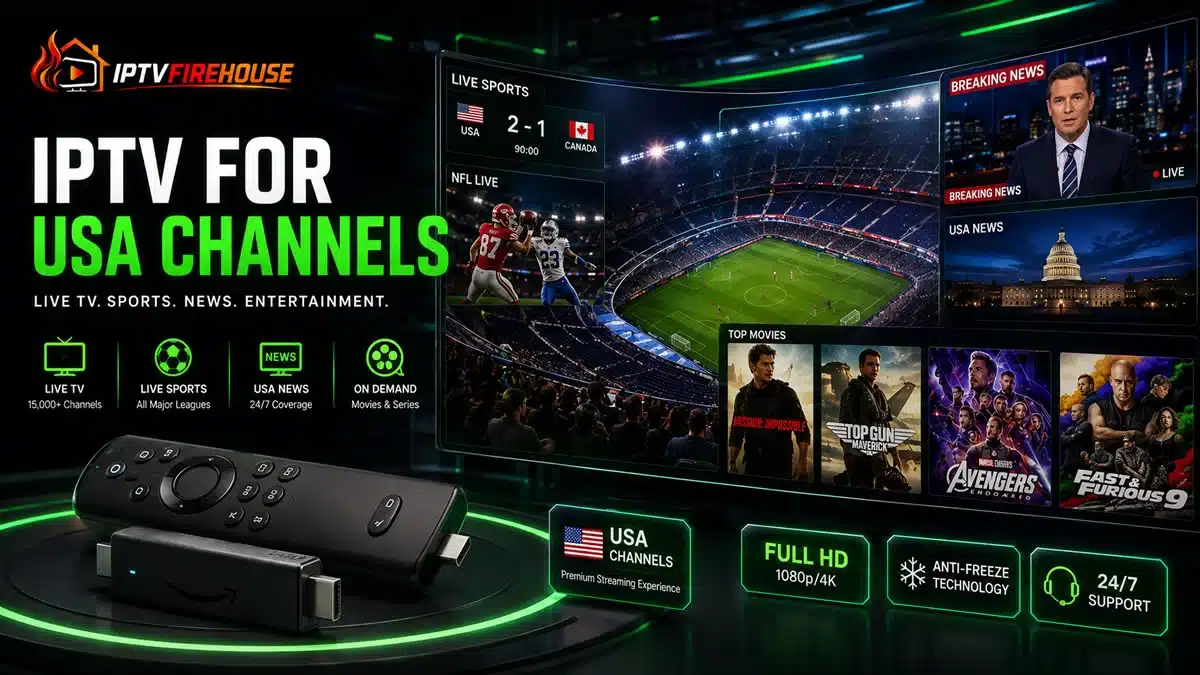
A comprehensive US IPTV platform eliminates regional blackouts and subscription fragmentation by organizing content into structured, real-time directories:
1. Live US Sports & Pay-Per-View (PPV)
- Major Professional Leagues: Complete coverage for NFL (including Sunday ticket feeds), NBA, MLB, NHL, and MLS.
- Regional Sports Networks (RSNs): Direct access to localized networks covering regional college athletics and team broadcasts often restricted on national cable tiers.
- Combat Sports & PPV: Live main-card boxing, MMA/UFC events, and international racing (Formula 1, NASCAR) included without additional event charges.
2. National & Local American News
- 24/7 Cable News: Real-time access to major national news providers including CNN, Fox News, MSNBC, CNBC, and Bloomberg HD.
- Local Network Affiliates: Live feeds from ABC, CBS, NBC, and FOX across major US metropolitan areas, keeping you connected to local emergency alerts and regional programming.
3. Entertainment, Cable Networks & On-Demand
- Prime Cable Networks: Full access to high-demand entertainment channels such as HBO, Showtime, AMC, Bravo, HGTV, Discovery, and FX.
- VOD Library: Over 80,000+ movies and complete TV series available on demand, complete with multi-language audio tracks and sub-title toggles.
For an in-depth look at how American subscription options compare globally, read our dedicated guides on Cheap IPTV USA Services and our breakdown for international viewers in the IPTV Australia Guide.
Subscription Plans & Pricing Matrix
Accessing full US cable channels and live sports does not require a rigid long-term contract. Below is the simplified pricing structure for IPTVFirehouse:
| Subscription Tier | Total Price | Equivalent Rate | Active Devices | Key Included Features | Activation |
| 1 Month | $14.99 | $14.99 / mo | 1 Connection | 24K+ Live Channels, 80K+ VODs, 4K Streams, 24/7 Support | Instant (< 5 Mins) |
| 3 Months | $29.99 | $10.00 / mo | 1 Connection | 24K+ Live Channels, 80K+ VODs, 4K Streams, 24/7 Support | Instant (< 5 Mins) |
| 6 Months | $39.99 | $6.66 / mo | 1 Connection | 24K+ Live Channels, 80K+ VODs, 4K Streams, 24/7 Support | Instant (< 5 Mins) |
| 12 Months | $59.99 | $5.00 / mo | 1 Connection | 24K+ Live Channels, 80K+ VODs, 4K Streams, 24/7 Support | Instant (< 5 Mins) |
Optimizing Bandwidth & Home Network Performance
Live 4K and Full HD streams require consistent bandwidth delivery. ISP network congestion or poor Wi-Fi signals can cause artificial buffering even when server networks are operating perfectly.
Recommended Bandwidth Thresholds
- Standard Definition (SD): Minimum 5 Mbps downstream
- High Definition (1080p @ 60 FPS): Minimum 15 Mbps to 20 Mbps downstream
- Ultra HD / 4K Live Sports: Minimum 25 Mbps to 50 Mbps dedicated downstream
Technical Optimization Checklist
- Bypass ISP DNS Throttling: Change your router or streaming device DNS settings from your default ISP address to public high-speed resolvers like Cloudflare (
1.1.1.1) or Google (8.8.8.8). - Hardwire Connection: On devices like the Amazon Fire TV Stick 4K Max or Android TV boxes, utilize an OTG USB-to-Ethernet adapter to eliminate wireless interference.
- Hardware Decoding: Enable Hardware Acceleration (HW/HW+) inside your player app settings to offload video processing directly to your streaming device’s GPU.
Direct Hardware Setup Instructions
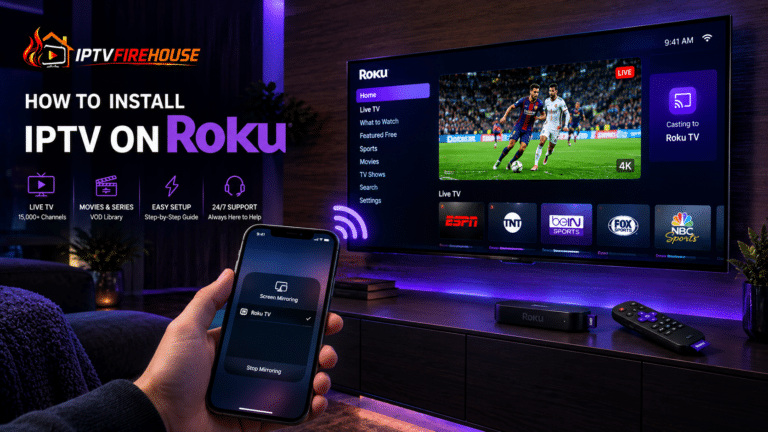
Setting up your service on streaming hardware like an Amazon Firestick or Android TV takes only a few minutes.
- Enable Sideload Permissions: Open Settings > My Fire TV > About on your device. Highlight your primary Device Name and press the Select button 7 times consecutively until Developer Options are unlocked. Return to My Fire TV > Developer Options and set Install Unknown Apps to ON.
- Install Downloader App: Navigate to the Search bar from the home screen, type
Downloader, and install the official orange utility application. - Deploy Your Player: Launch Downloader, enter the direct URL or numeric code for your chosen player application (e.g., TiviMate or IPTV Smarters Pro), and complete the installation process.
- Authenticate Account: Open your media player, select Login with Xtream Codes API, and input the server URL, username, and password provided in your subscription email to begin indexing channels and Electronic Program Guides (EPG).
For complete, step-by-step visual instructions, refer to our comprehensive IPTV Firestick Setup Guide.
Frequently Asked Questions
Can I access local regional channels for my specific US city?
Yes. Quality IPTV providers include major local network affiliates (ABC, CBS, NBC, FOX) across primary US media markets, allowing you to watch regional news and localized broadcasts from anywhere.
Does IPTV work during major high-traffic events like the Super Bowl?
Providers utilizing multi-server load balancing and dedicated anti-freeze CDN clusters prevent server overload during peak viewing periods, ensuring smooth live playback.
Do I need a VPN to stream US channels?
While not strictly required, utilizing a Virtual Private Network (VPN) is recommended in North America to prevent Internet Service Providers (ISPs) from throttling high-bandwidth video streams during peak hours.
Consolidating your entertainment setup with a high-performance US IPTV subscription delivers seamless access to live American sports, 24/7 news, regional networks, and extensive VOD libraries. By selecting an active plan from IPTVFirehouse and optimizing your local network settings, you can enjoy stable, high-definition streaming on all your home screens.